
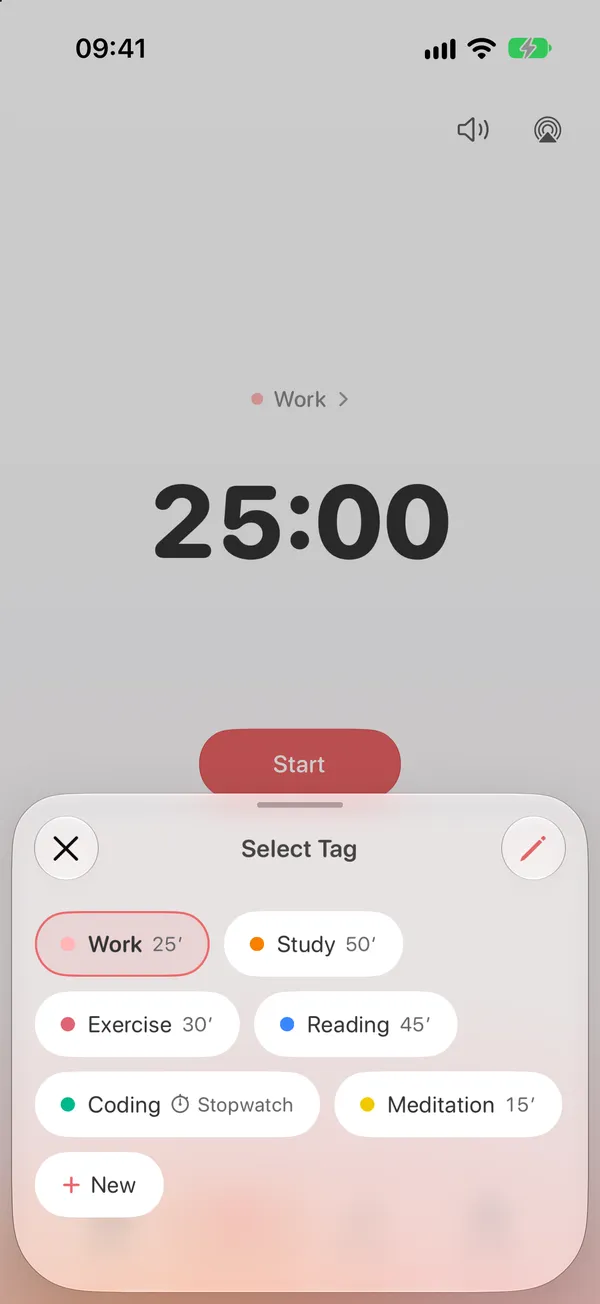
Tag presets
Study for 50, read for 25. Each tag remembers its own length and timer mode, so starting is one tap.

Pomo Up is a Pomodoro timer with a buddy who focuses right alongside you. Pick a tag, tap start, and lock away the apps that pull you off track. Study, work, read — every tomato counts.
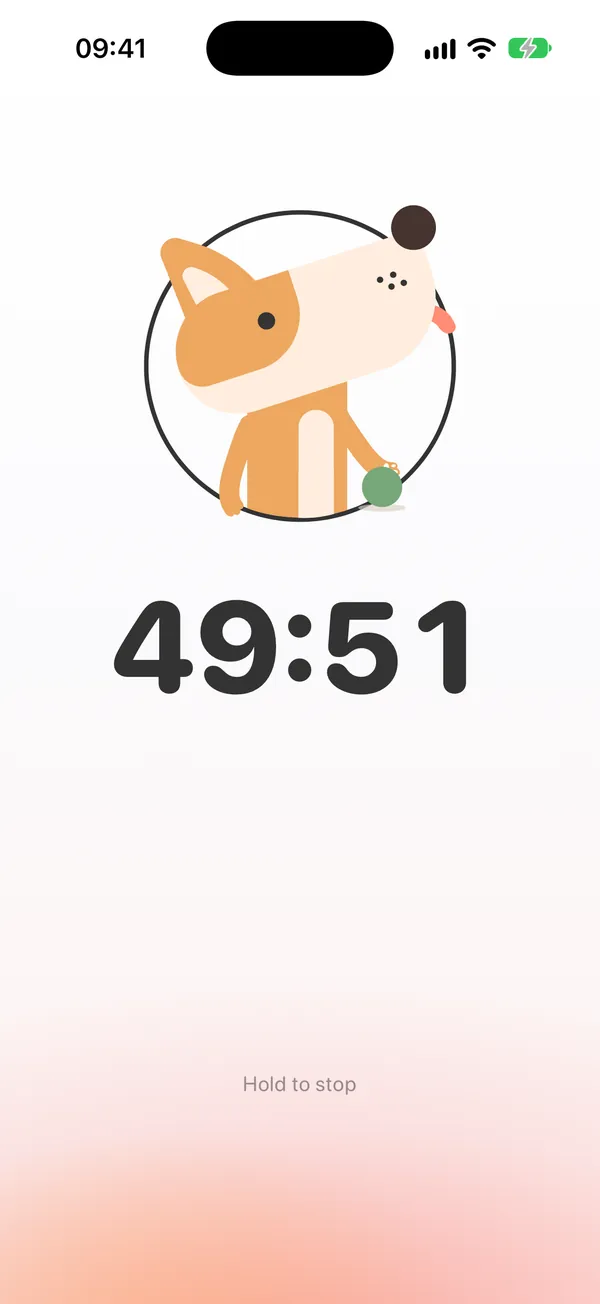
Pop in your AirPods and posture tracking kicks in: your buddy follows your head up and down. Hunch over your desk too long mid-session and the ring turns red while your buddy reminds you to look up and sit up. You pick the head-down angle and the alert delay.
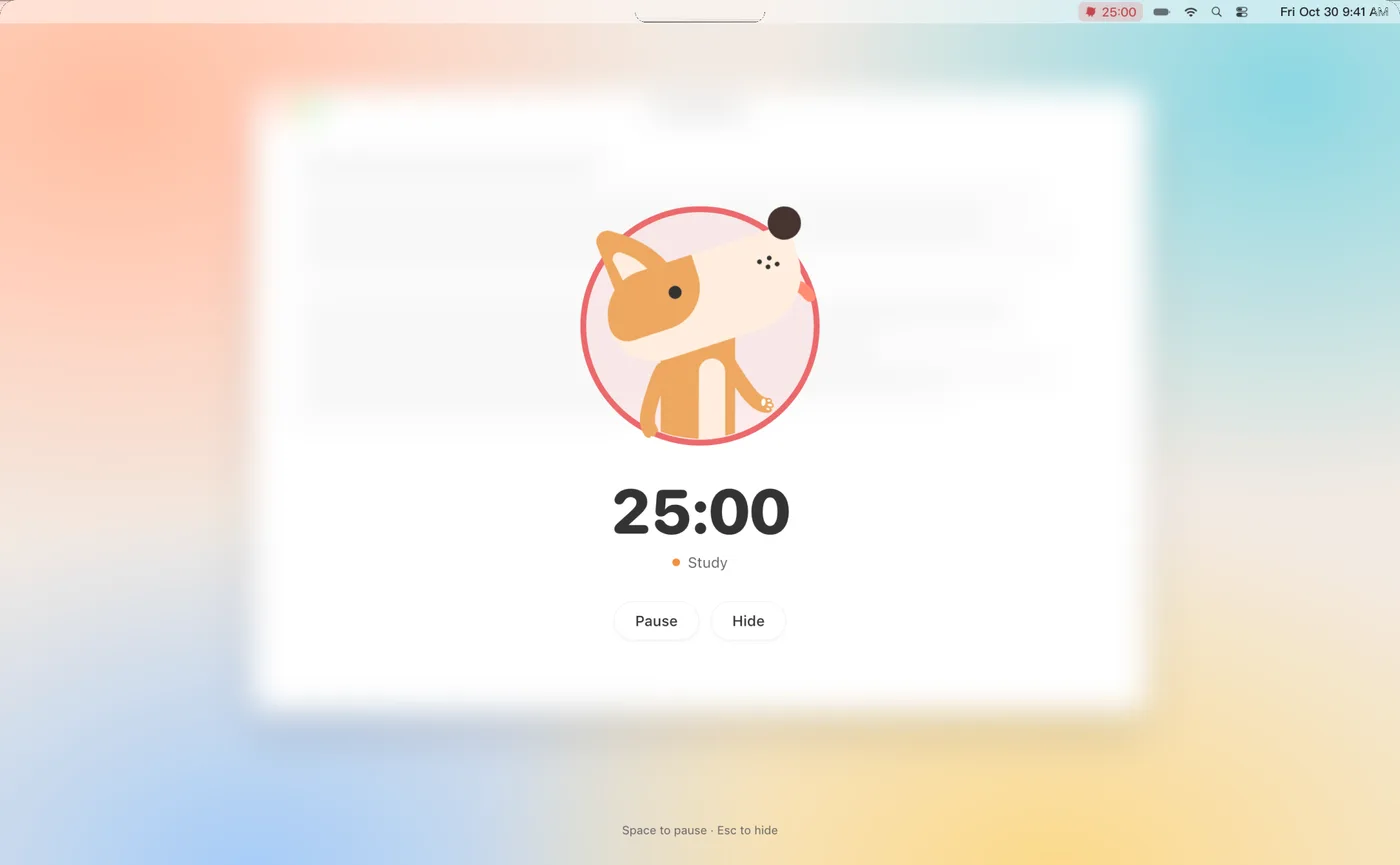
On Mac, full-screen focus says it too: Look up — your buddy’s watching.
Study for 50, read for 25. Each tag remembers its own length and timer mode, so starting is one tap.
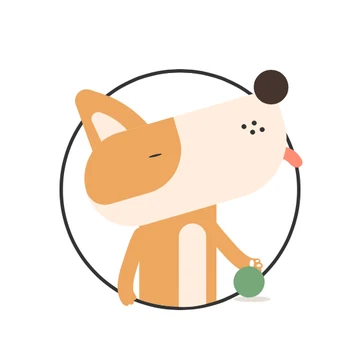
Your first focus buddy — lively and clingy.
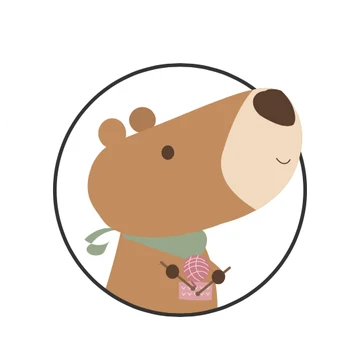
Never in a hurry — sits through all 25 minutes with you.
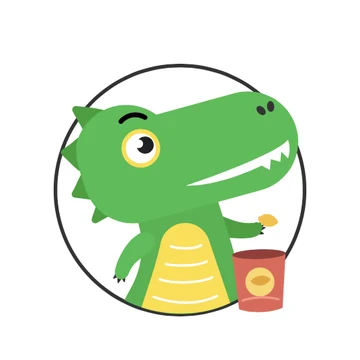
Looks fierce, only thinks about snacks.
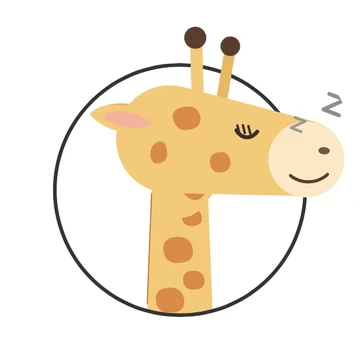
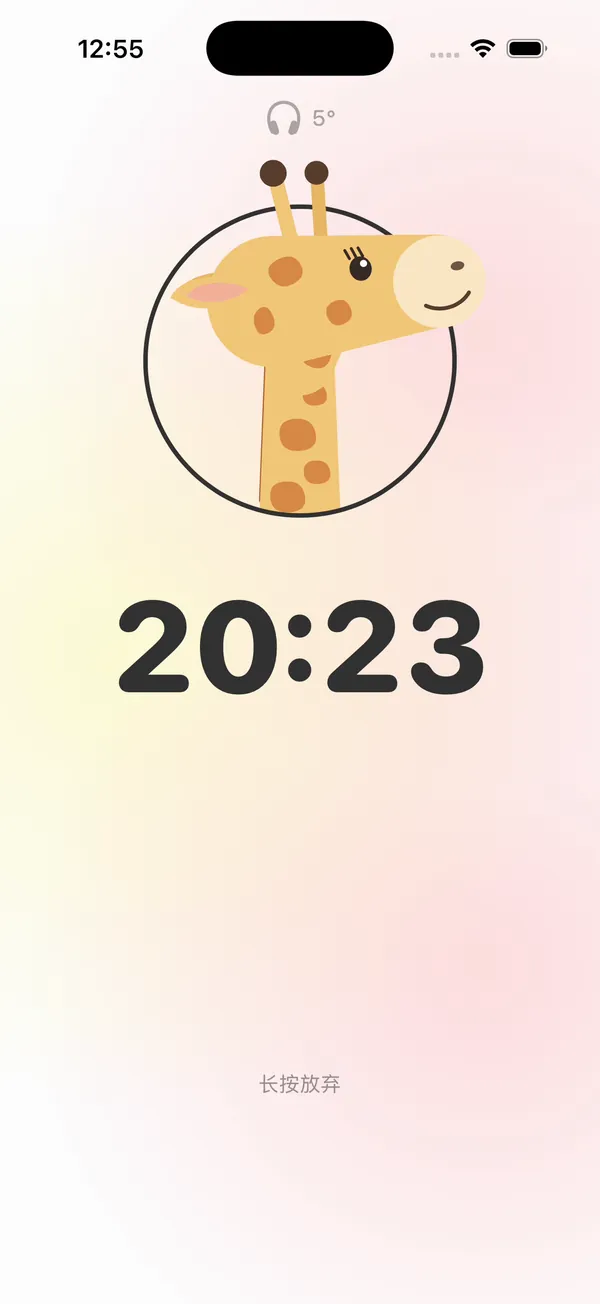
Long neck — it bends all the way when you look down.
Pick a Dog, Duck, Dino, Giraffe or Capybara to focus with. Pop in your AirPods and your buddy moves when you do.
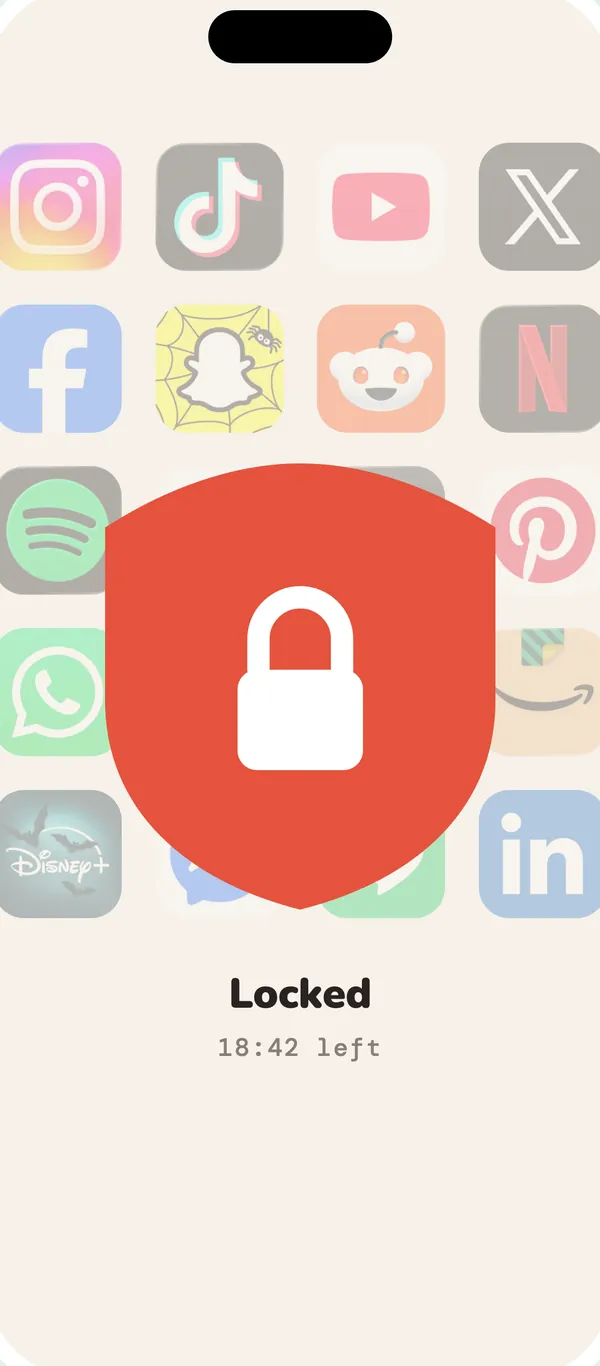
Built on Screen Time: block the apps you choose while you focus, and they unlock when you’re done. Need a break? Pause anytime.
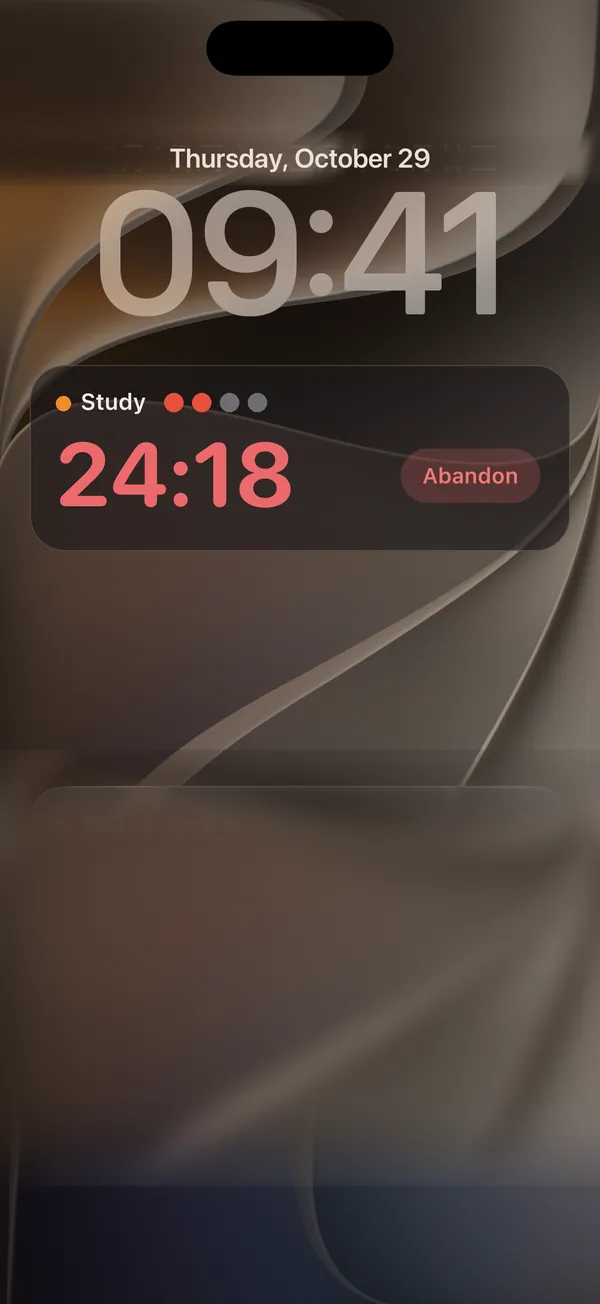
Your countdown lives on the Lock Screen and in the Dynamic Island — and the next session starts right from there.
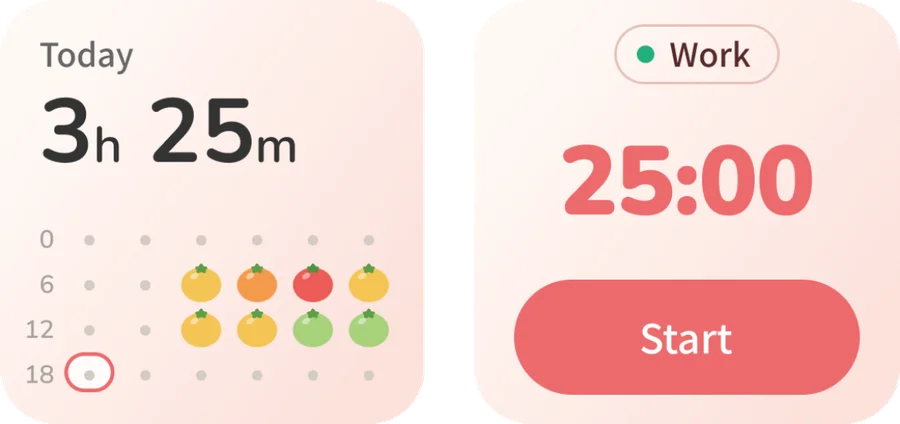
Today, This Week and Quick Start widgets put your focus timer one tap away on the Home Screen.
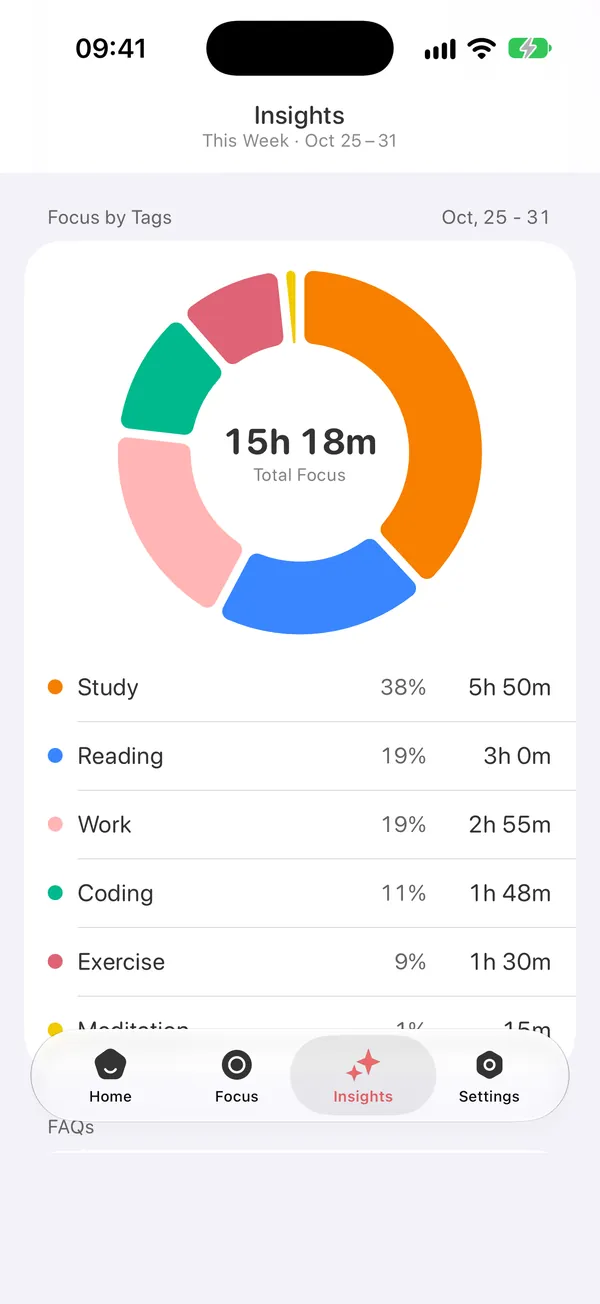
Daily reports, weekly insights and full stats show exactly where your time goes, tag by tag.
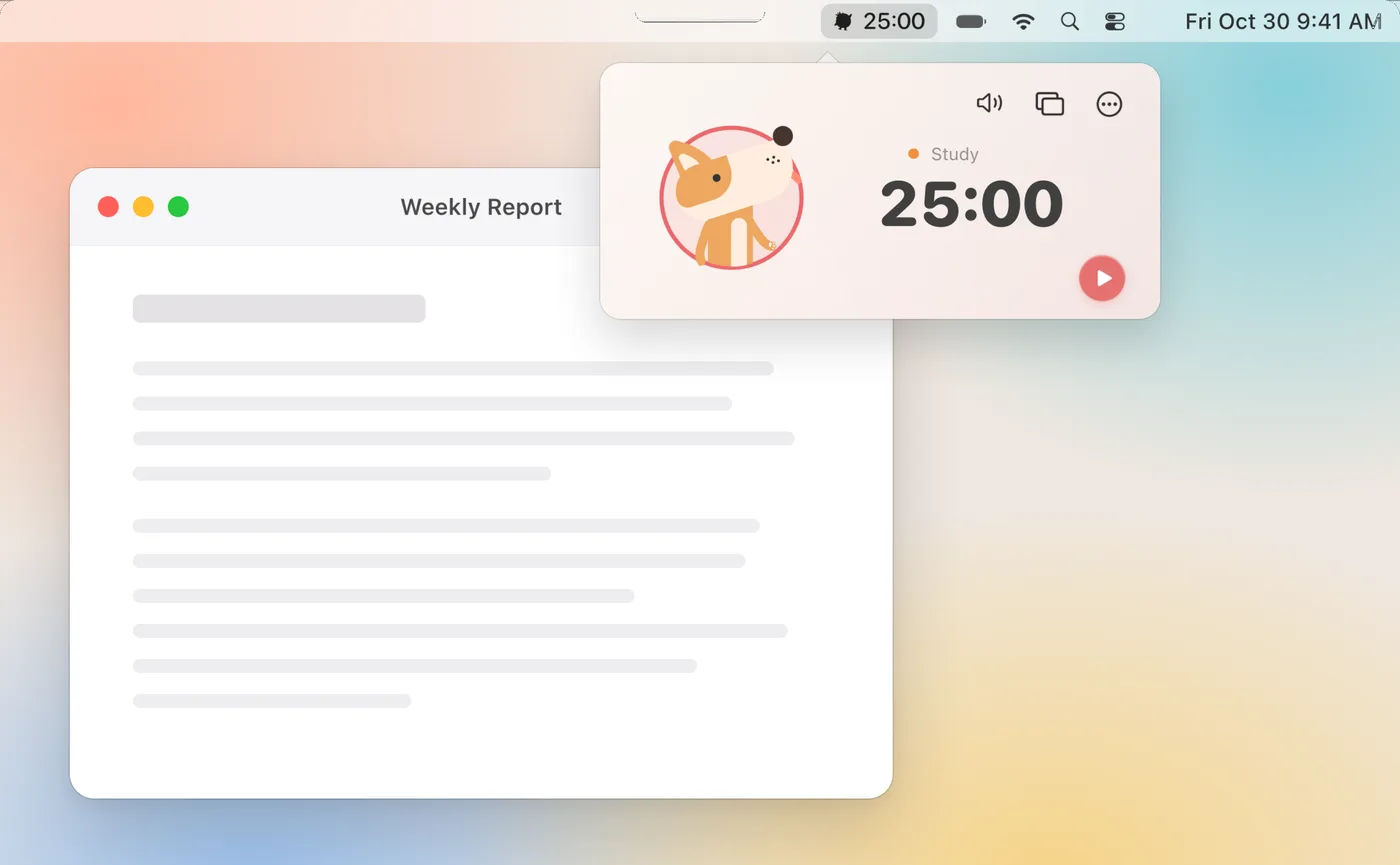
On Mac, the countdown sits in your menu bar, and full-screen focus leaves nothing but the clock. iPhone, iPad, iPhone Duo and Mac stay in sync through your own iCloud — start on your Mac, pick it up on your iPhone.
Something else on your mind? Email us at [email protected] — a real person reads every message.
iPhone, iPad, iPhone Duo and Mac, where it lives in the menu bar. It also supports Home Screen widgets and Live Activities, and iCloud keeps your sessions in sync across devices.
Pomo Up uses Apple’s Screen Time. Choose the apps to block, and they stay locked while your session runs, then unlock automatically when it ends. Need a breather? Pause anytime.
Start a session wearing AirPods 3, AirPods Pro, AirPods Max or Beats Fit Pro, and your buddy follows your head up and down. In Settings, set the head-down angle and the alert delay; keep your head down past that and the ring turns red to remind you to look up and sit up.
No account needed. Your focus records stay on your device and sync through your own iCloud across iPhone, iPad, iPhone Duo and Mac.
Free download for iPhone, iPad, iPhone Duo and Mac.
Download on theApp Store
