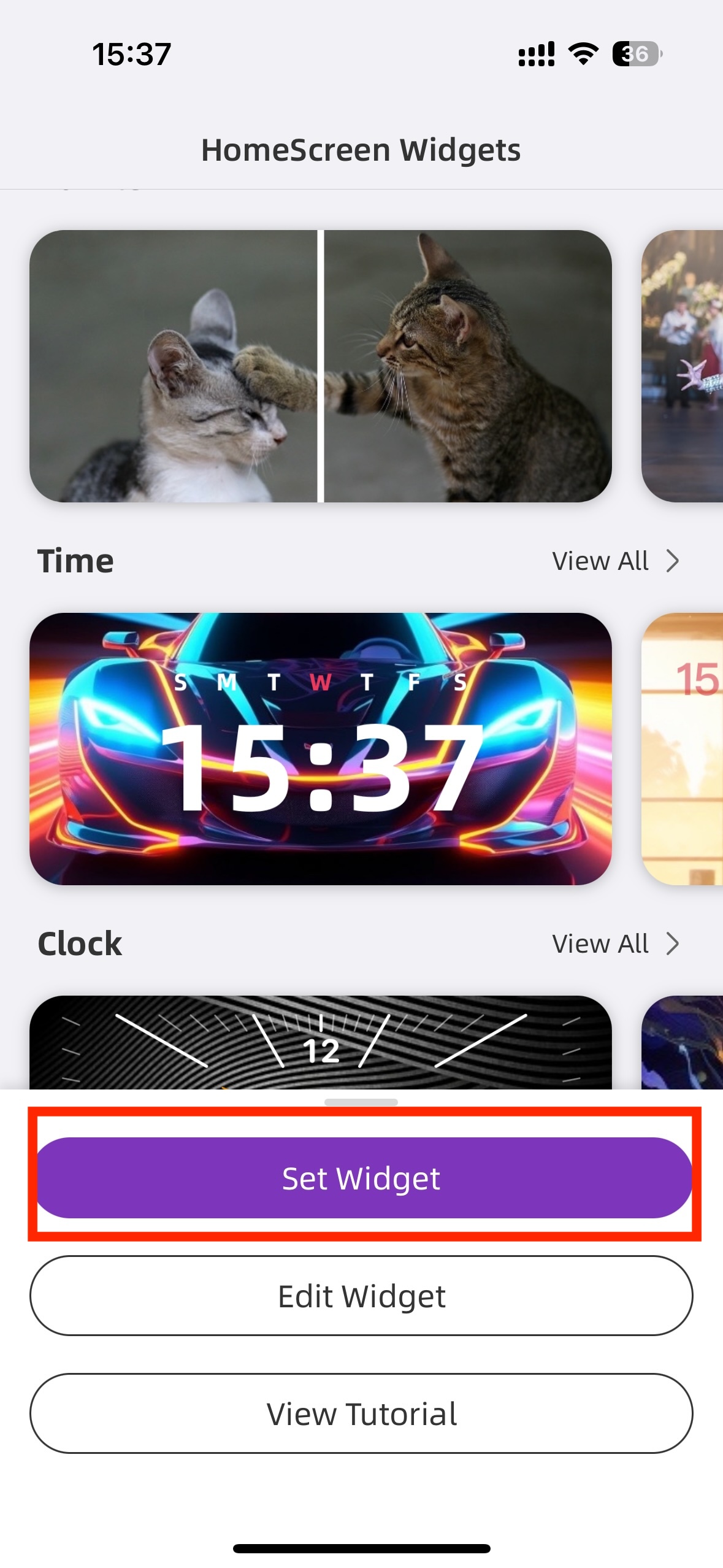
1. Choose your favorite widget and tap on "Set Widget".
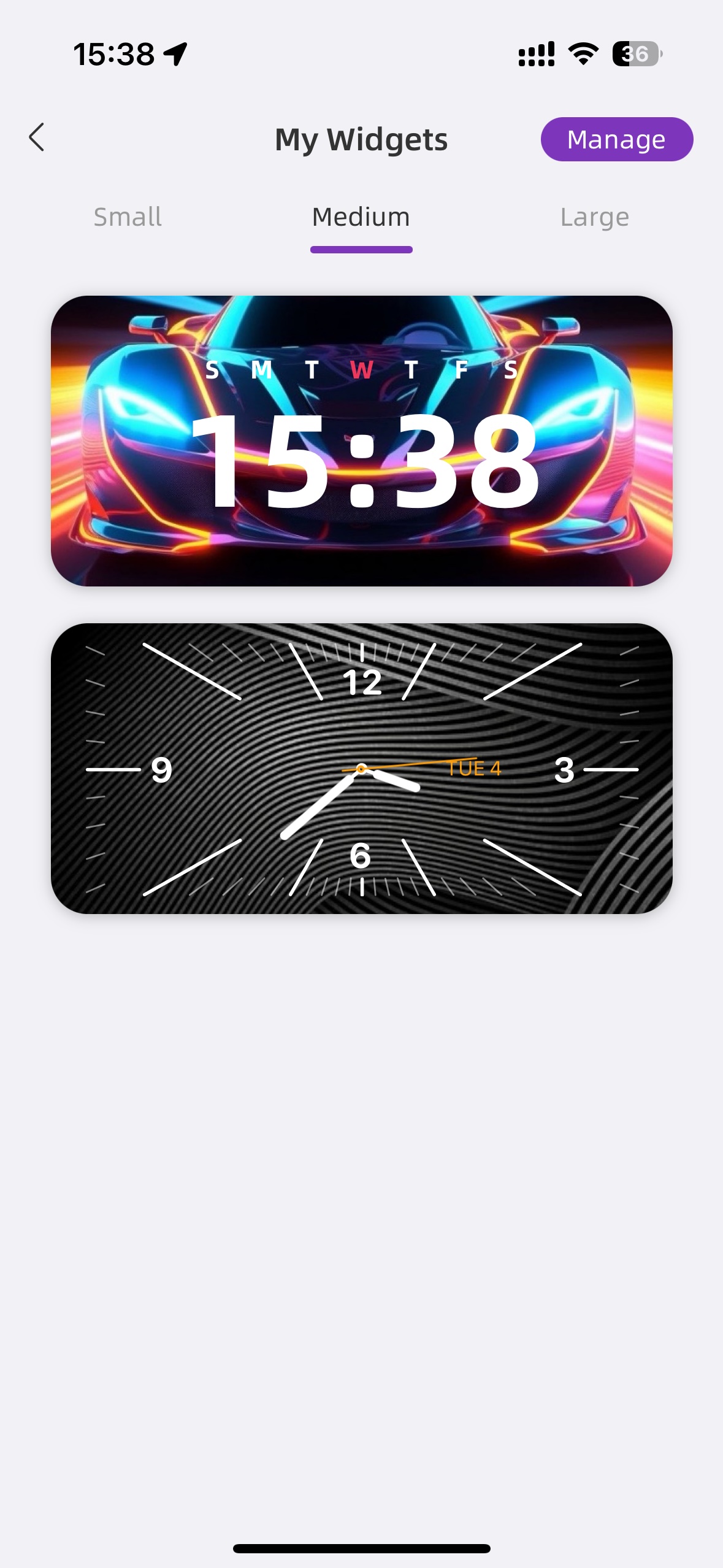
2. You can find your saved widgets in "My Widgets" (Optional).
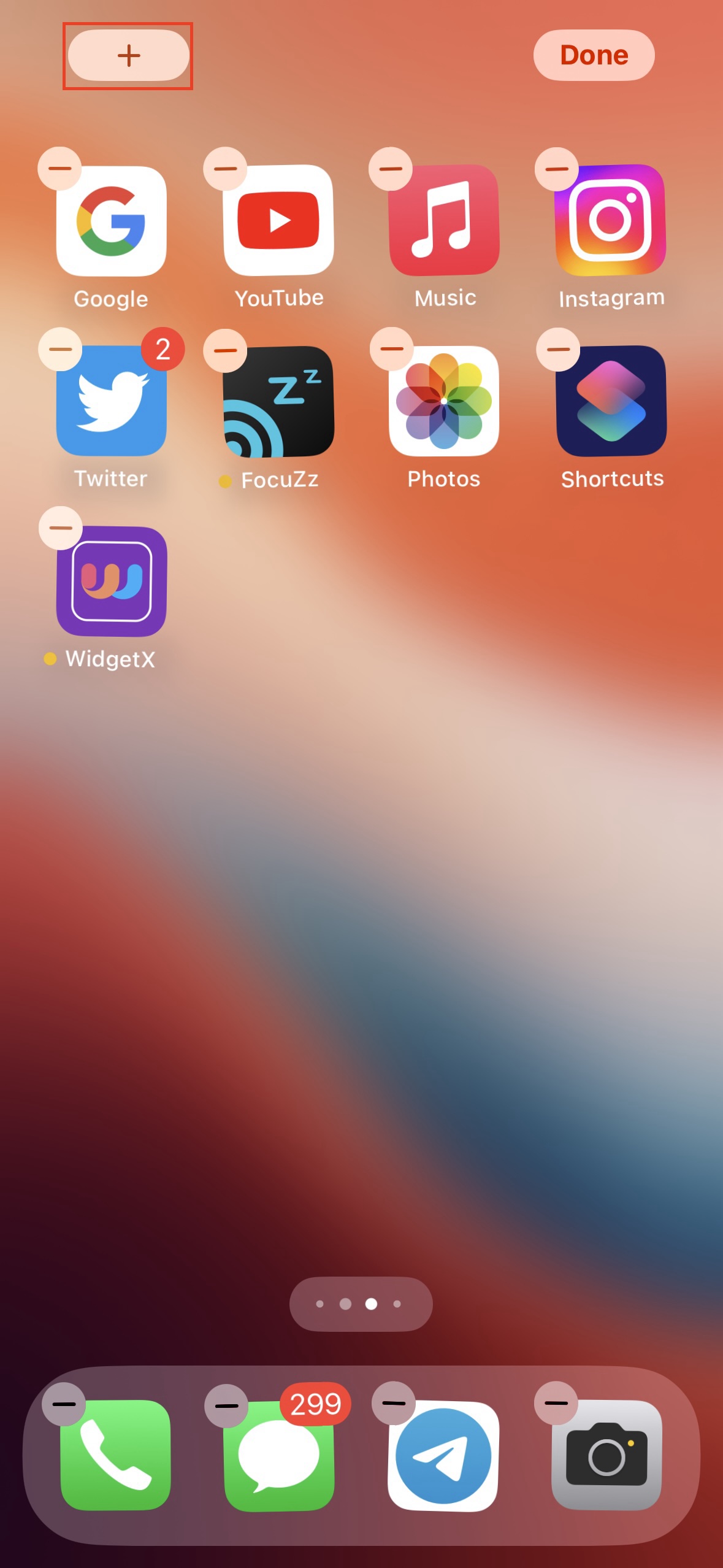
3. Go back to the home screen, long-press on an empty area, and tap the "+" icon.
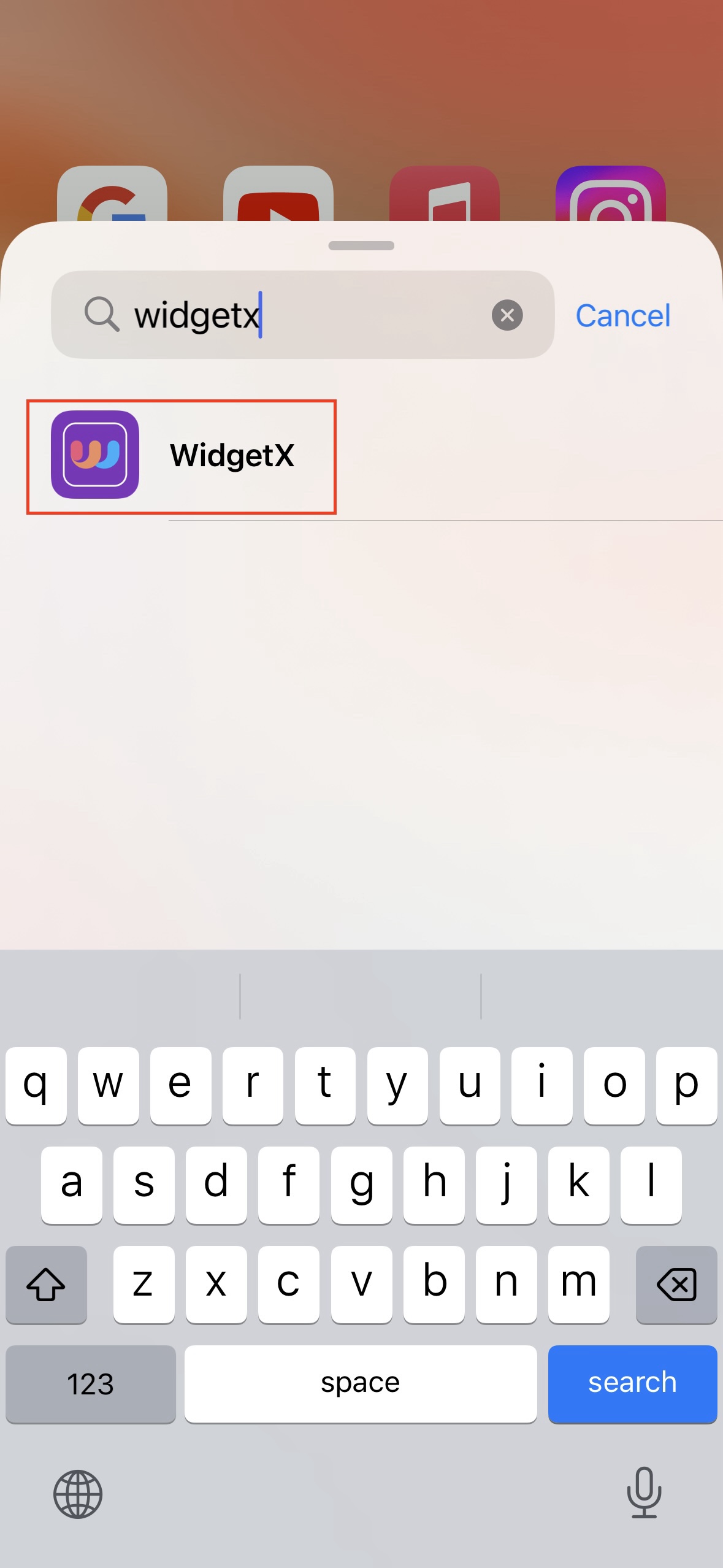
4. Search and select the "WidgetX" app.
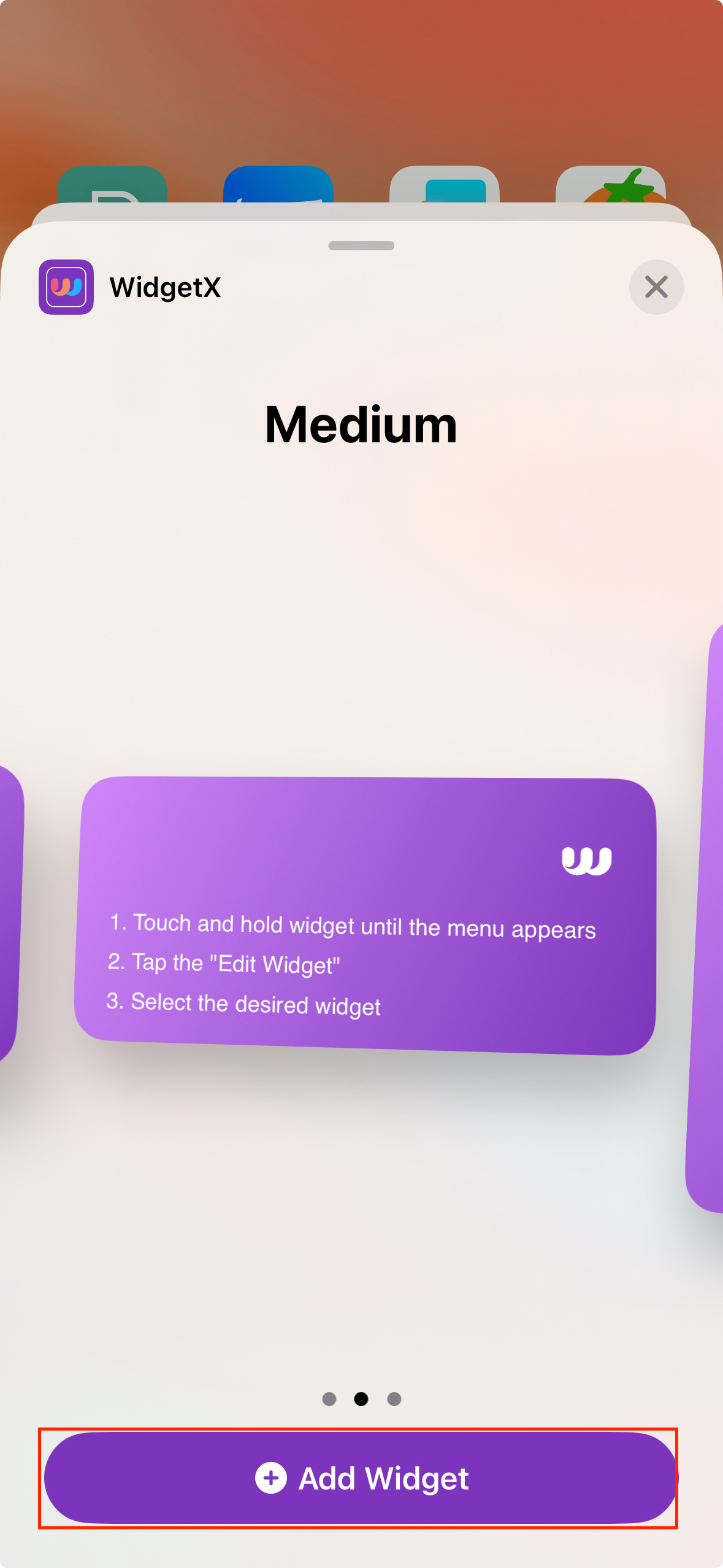
5. Choose the desired size for your widget.
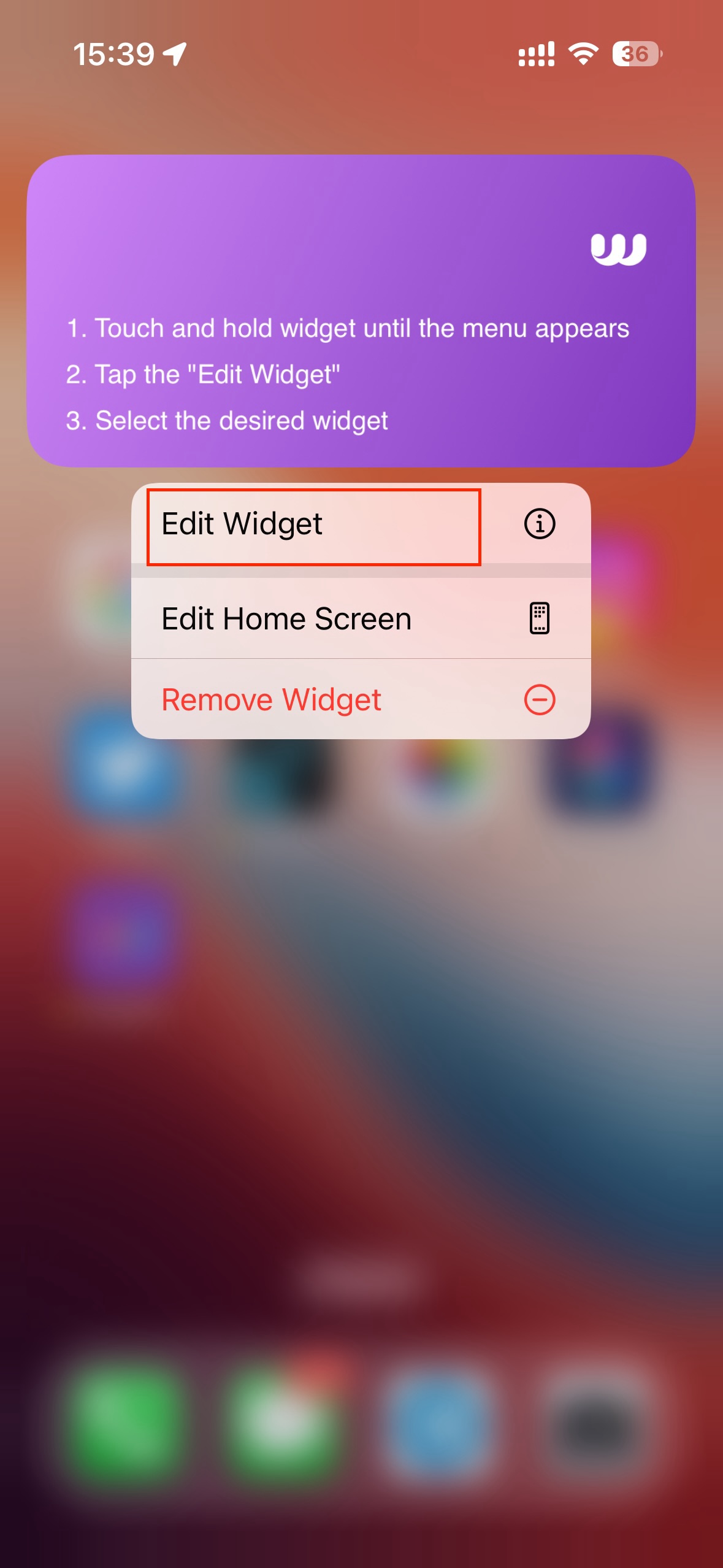
6. Go back to the home screen, long-press the added widget, select "Edit Widget", and choose your saved widget.
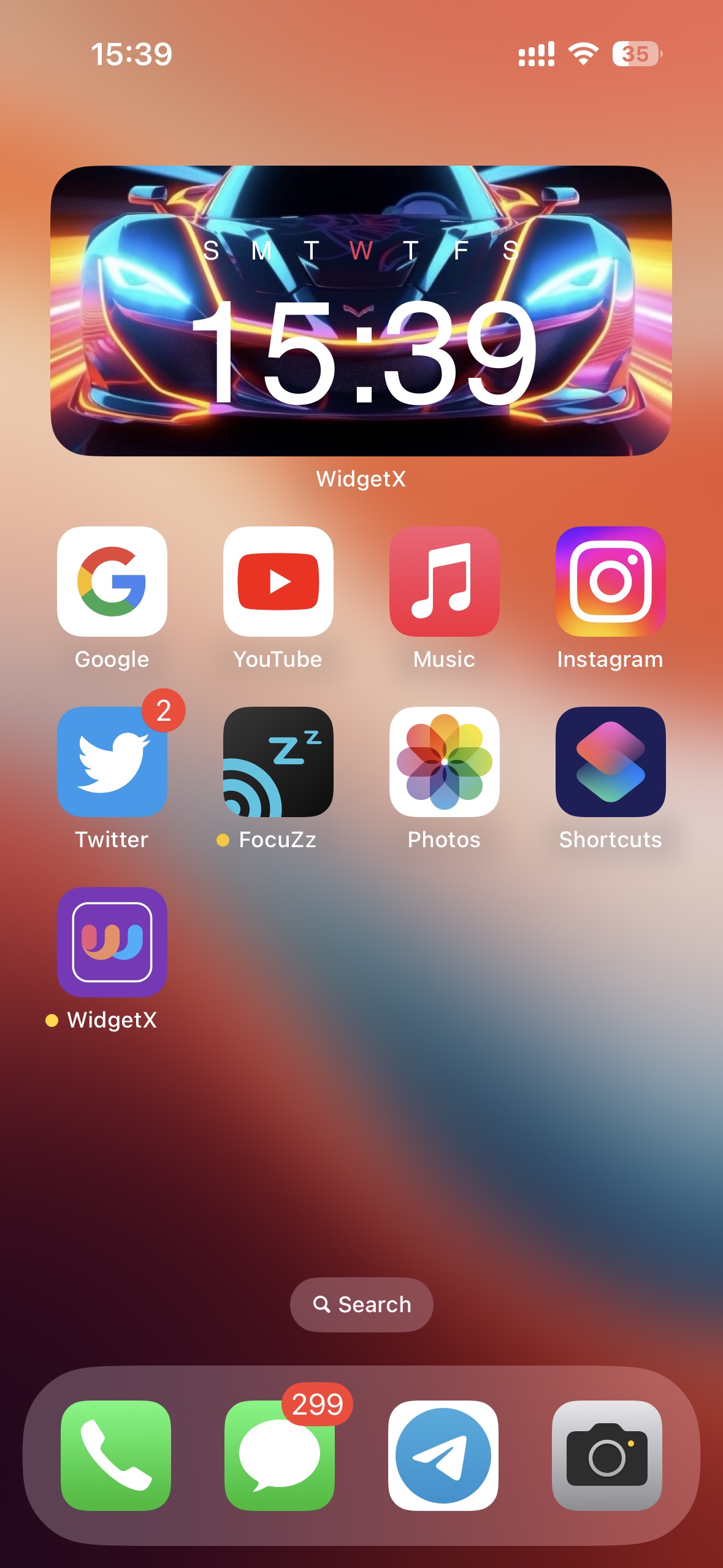
7. Now, you can see your widget on the home screen!