How to use StandBy
- Use WidgetX, add small widgets.
- Make sure you’re running the iOS 17, With your iPhone screen locked, place it in landscape on an upright charger,iPhone StandBy will automatically appear.

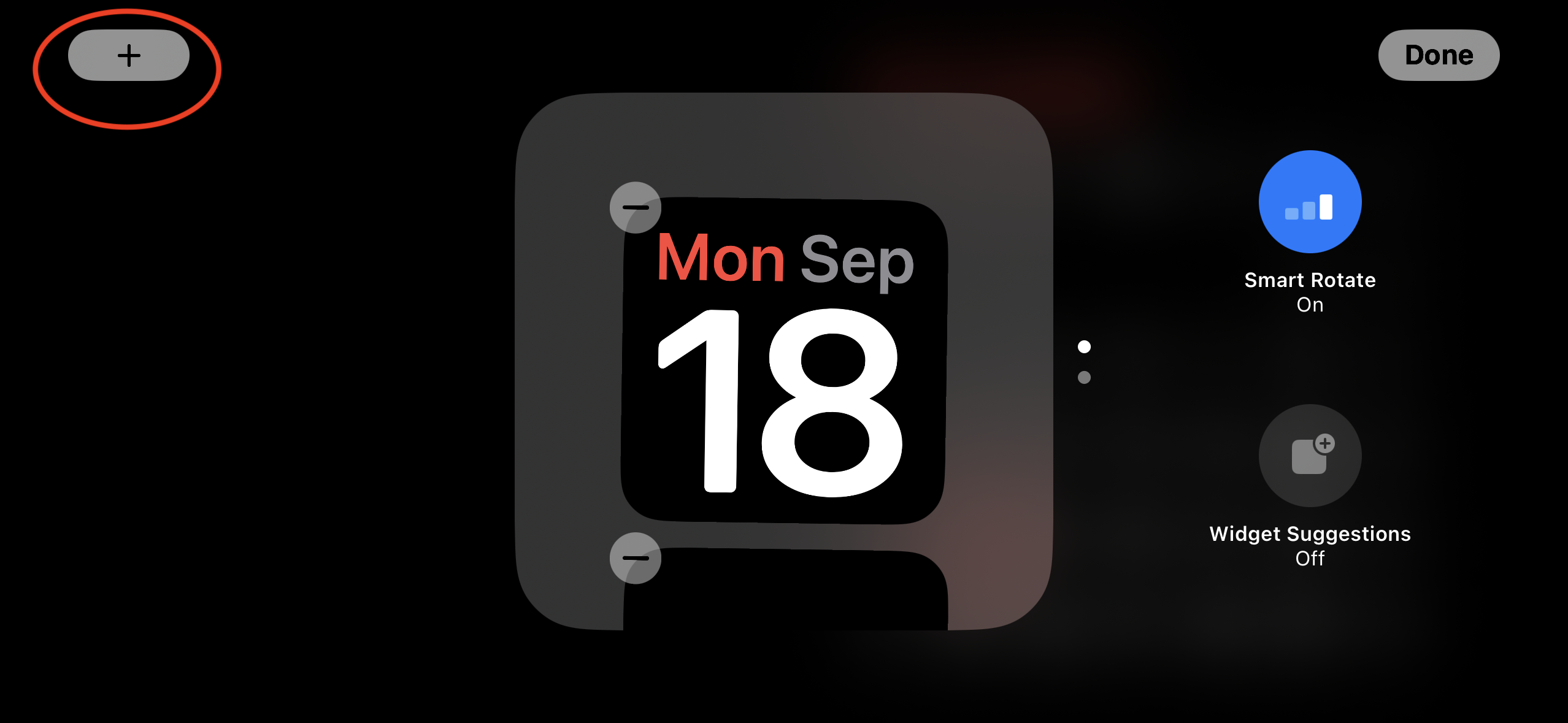
- Press and hold on the other StandBy views to customize them,tap the 【+】 icon in the top left to add widgets
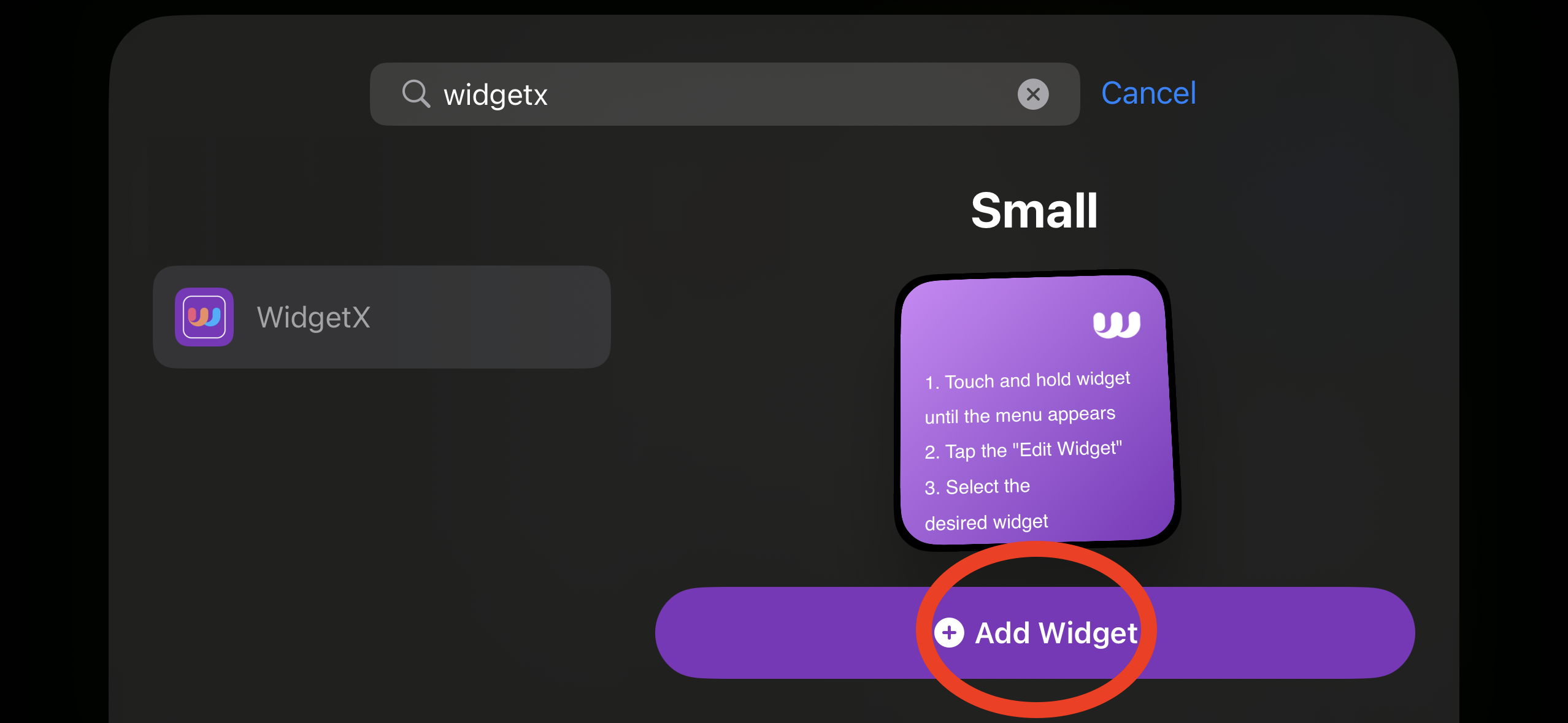
- Search「WidgetX」,
- Tap the widget, and select the one you want to display.
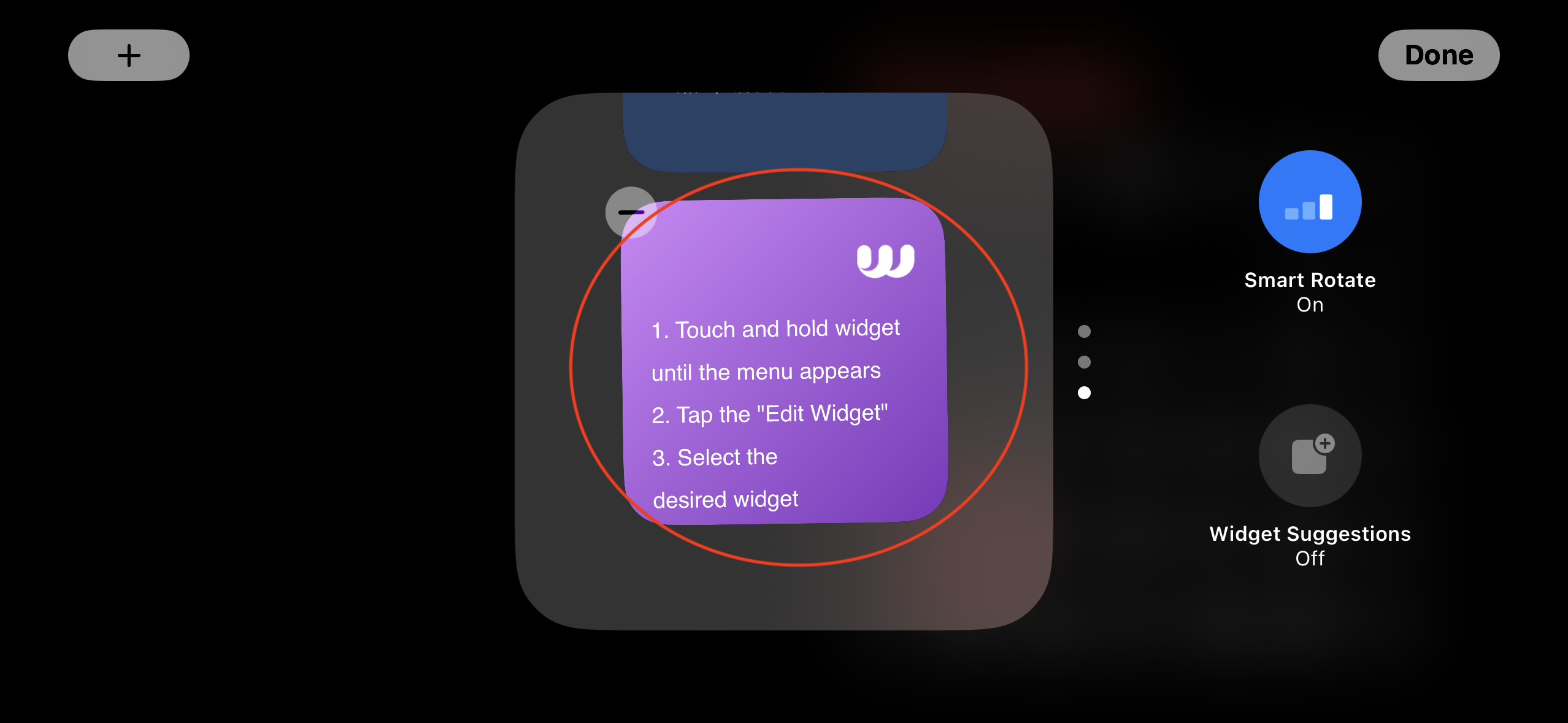
- Done.