Pomo Up · Posture reminders

A posture reminder app that uses your AirPods

Pomo Up is a posture reminder app built into a Pomodoro timer. Wear AirPods while you focus and your buddy follows your head up and down. Keep your head down past the angle and delay you set, and the ring turns red while your buddy reminds you to look up and sit up.

Download on theApp Store Free download
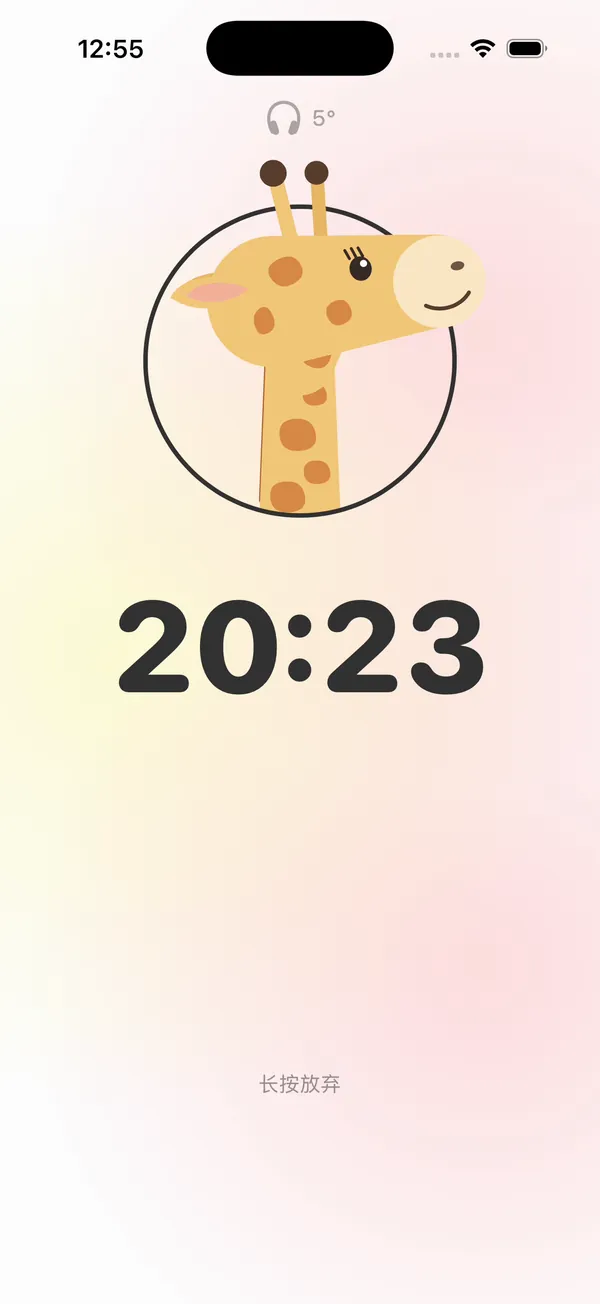
Pomo Up posture reminders: the Giraffe buddy with the headphone indicator showing a 5° head angle
The head angle reaches 17° and turns red

How the head-up reminder works

AirPods have motion sensors that know the angle of your head. Once a session starts, the timer ring shows your headphone status and current head angle, and your buddy looks up and down with you.

Tilt past your set angle for longer than the alert delay and the ring turns red, your buddy gives you a nudge and a short sound plays in your AirPods. Lift your head and it stops. A quick glance down at your notes won’t set it off.

Head down too long → the ring turns red

Set your own angle and delay

Two settings shape the reminder: the alert angle decides how far down counts as head down, and the alert delay decides how long you can stay there before the reminder. Read with your head slightly lowered? Raise the angle. Want more frequent nudges? Shorten the delay.

Don’t need it today? Turn off Head Tracking and the Pomodoro timer works as usual.

First time? Put in your AirPods so they’re connected to your iPhone, make sure Head Tracking is on in Settings, pick a tag and start a session. When the headphone icon and an angle appear on the timer ring, tracking is running.

A 17° head angle shown in red after passing the alert angle
Past the alert angle, the number turns red

Pick a buddy to focus with

A reminder from a friendly face is easier to listen to than a buzzer. Choose the Dog, Duck, Dino, Giraffe or Capybara to focus with. With headphones on, your buddy moves with your head — the Giraffe bends its whole neck when you look down. Without headphones, buddies have their own idle moves, and they animate when you put your AirPods on or take them off.

Pomo Up buddies gathered around the focus screen
Five buddies to pick from

On Mac, too

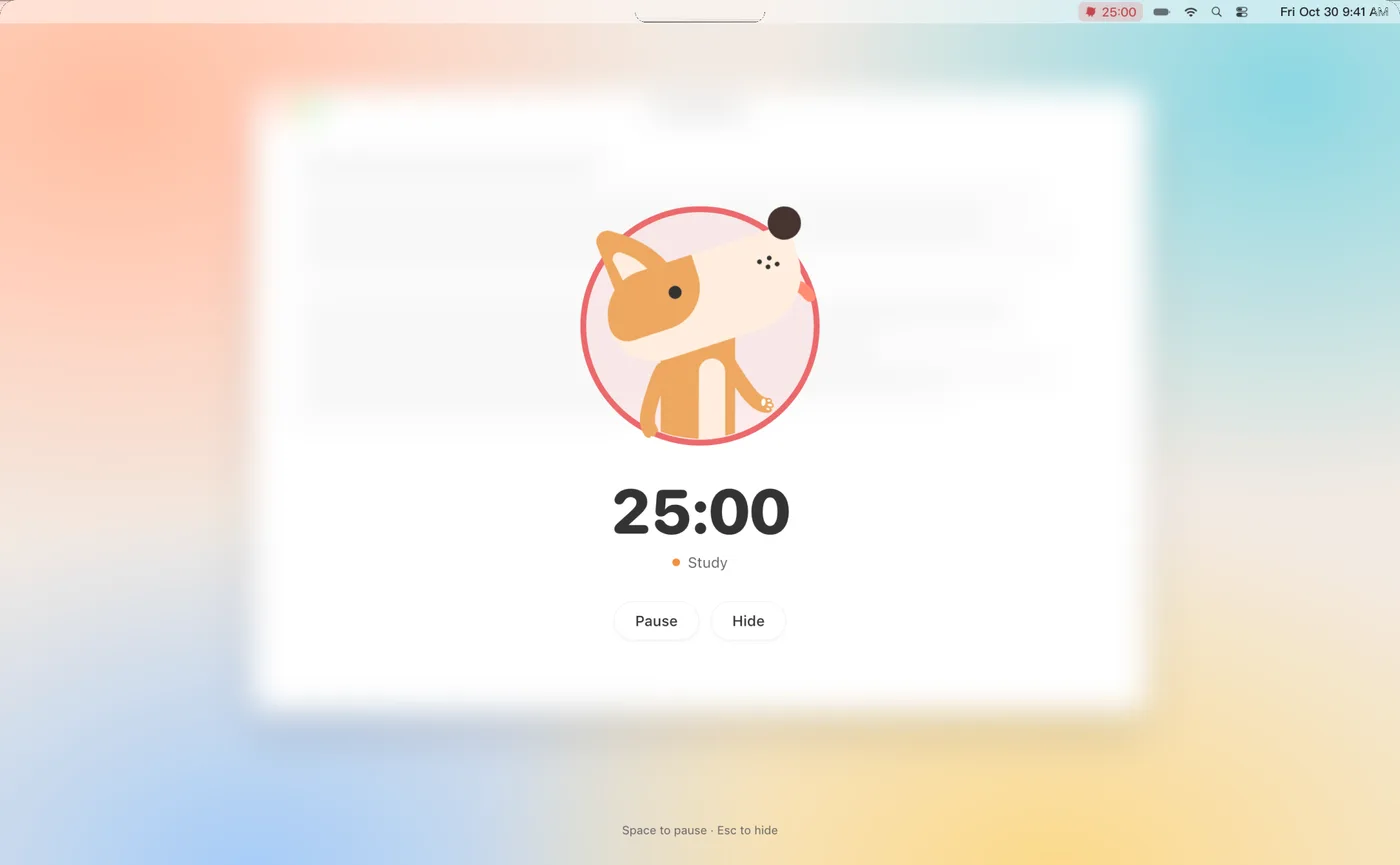
Posture reminders work on Mac as well when you focus with AirPods. In full-screen focus, staying head-down too long brings up “Lift your head, your buddy is watching.” More on the Pomodoro timer for Mac.

Back on iPhone, the Home tab counts today’s head-up focus minutes and how many times you looked down, so you can see how the day went.

Full-screen focus on Mac with the Dog buddy and a 25:00 countdown
Full-screen focus on Mac

Questions,
answered.

Something else on your mind? Email us at [email protected] — a real person reads every message.

Pomo UpWhich headphones work with posture reminders?

The app lists AirPods Pro, AirPods Max, AirPods (3rd generation) and Beats Fit Pro as supported.

Pomo UpHow does Pomo Up know my head is down?

It reads the head angle from the motion sensors in your AirPods and shows it live on the timer ring.

Pomo UpCan I change how sensitive the reminder is?

Yes. Raise the alert angle or lengthen the alert delay in Settings, and brief glances down won’t trigger it.

Pomo UpCan I use Pomo Up without AirPods?

Yes. The timer, tag presets and app blocker all work as usual — you just won’t get head-up reminders, and your buddy keeps you company with its own idle moves.

Pomo UpDo posture reminders work on Mac?

Yes. Focus on your Mac with supported headphones, and full-screen focus shows a head-up reminder when you stay down too long.

Pomo Up app icon

Your next tomato
starts now.

Free download for iPhone, iPad, iPhone Duo and Mac.

Download on theApp Store